
Connect once. Your bank data flows everywhere it needs to go.
Four steps from signup to live bank data in your AI, your app, or your API client — with full consent controls and a read-only guarantee at every stage.
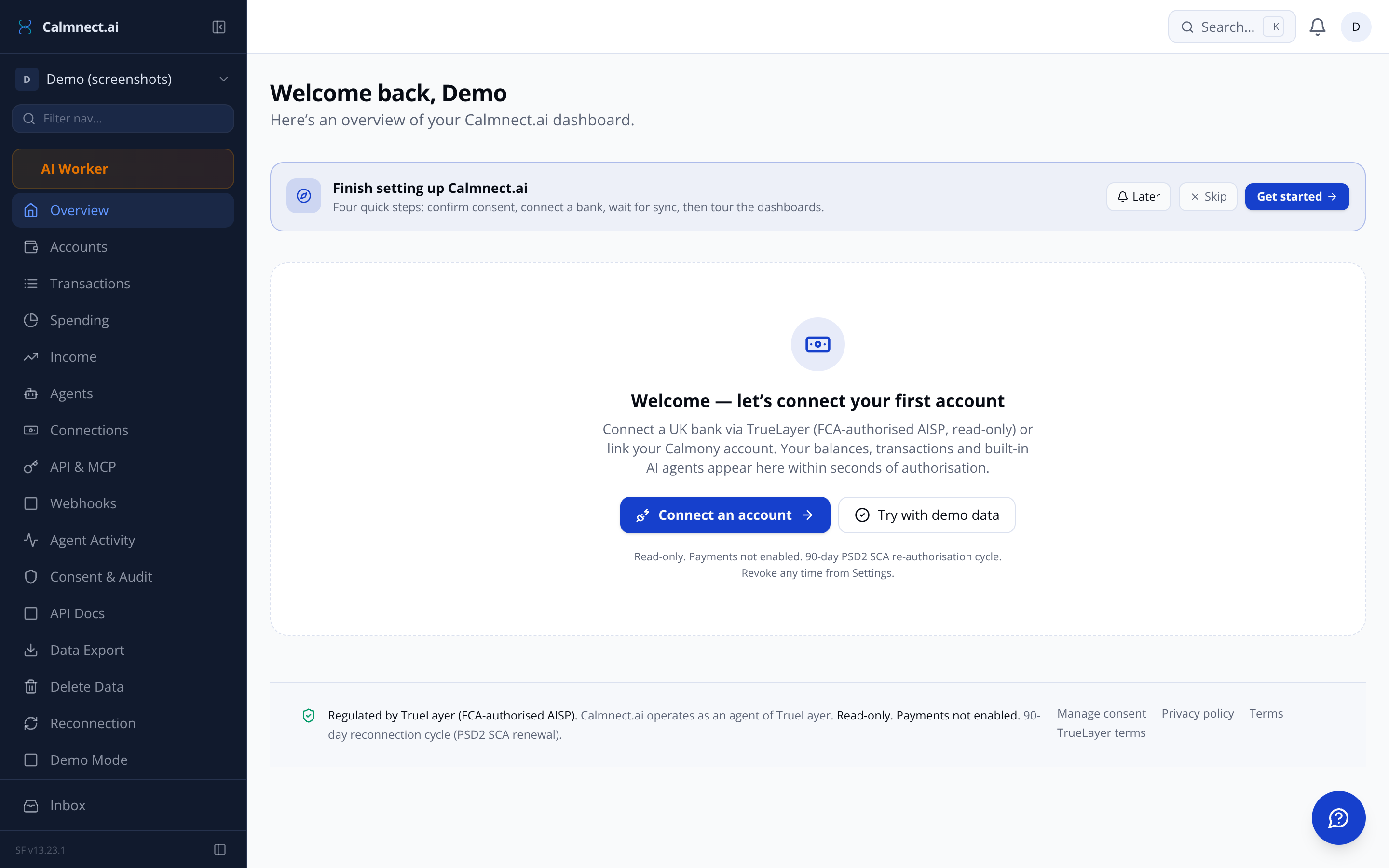
- STEP 01 — SIGN UP & ONBOARD
Create your account and accept consent disclosures
After signing up, the guided onboarding wizard walks you through what Calmnect.ai can and cannot do. You confirm the regulatory disclosures — read-only, FCA-authorised, no payments — before anything connects.
- STEP 02 — CONNECT YOUR BANK
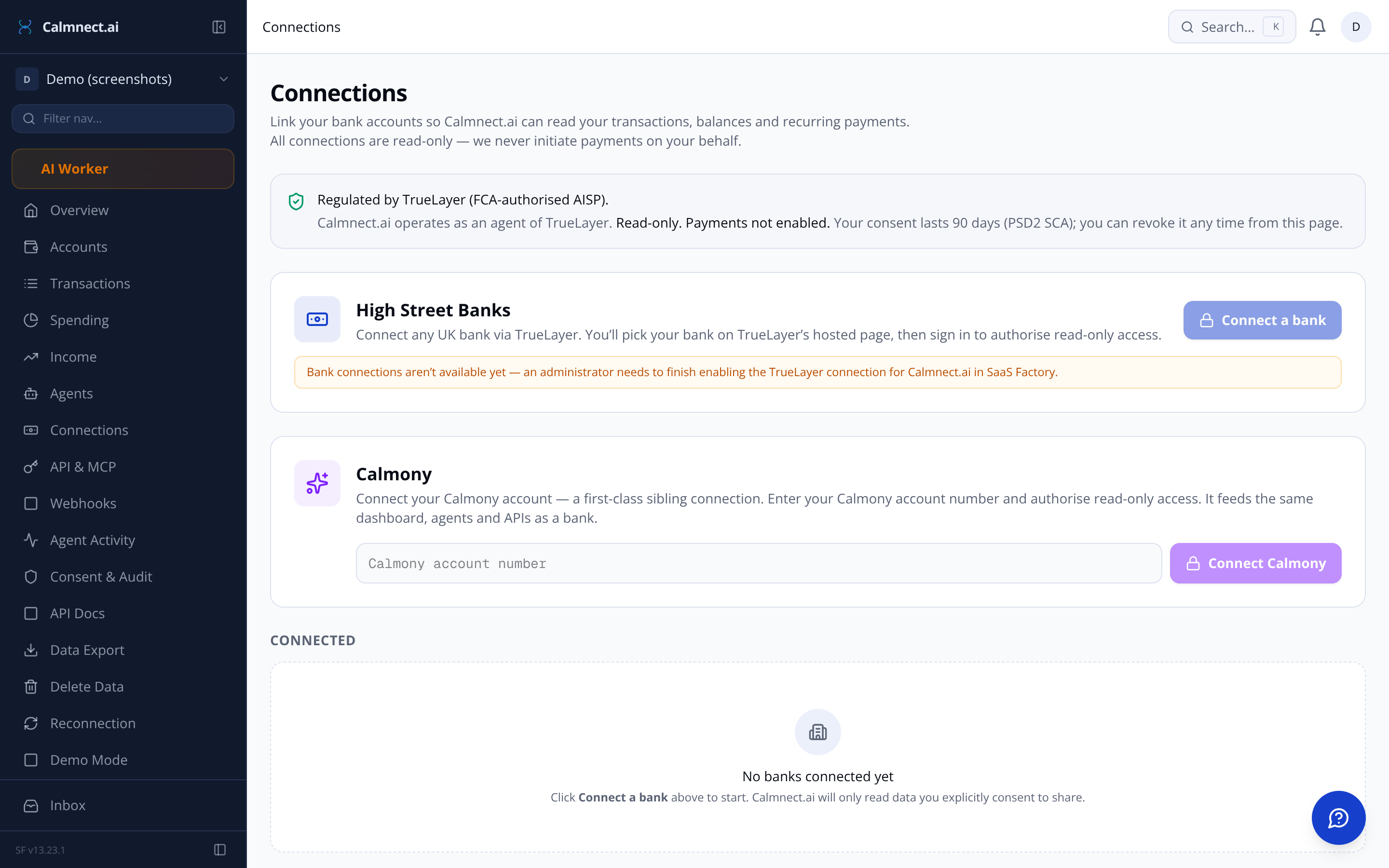
Authorise via TrueLayer or add your Calmony account
Pick a UK High Street bank — Calmnect.ai opens TrueLayer's secure hosted flow directly in your browser. Authorise the scopes (balances, transactions, identity), and the 90-day PSD2 consent is established. Prefer Calmony? Enter your account number and authorise in the same UI.
- STEP 03 — DATA SYNCS & AGENTS RUN
Transactions, balances, and AI agents activate automatically
A background sync pulls your last 90 days of transactions and current balances. The Spend Categoriser and Recurring Payment Detector run on the first batch. Income Verifier, Affordability Scorer, and Multi-Account Aggregator are ready to trigger on demand — from the dashboard, REST API, or MCP.
- STEP 04 — CONNECT YOUR AI OR APP
Copy your API key or MCP link and plug in
From the Technical Dashboard, copy your REST API key or MCP server URL. Paste the MCP link into Claude, ChatGPT, Gemini, or any MCP-compatible AI. Your AI can now query balances, list transactions, run income verification, and score affordability — scoped to your org, logged to the audit trail.
What you see the moment sync completes
Total balance across all connected accounts, spending by category, income period-to-period, and every transaction — searchable and filterable.
Total balance card Combined net position across all banks and your Calmony account, with a 30-day sparkline.
Per-account status Each connected account shows current balance, last-synced timestamp, and consent health.
This month at a glance Spend to date, income received, and your top spending category — front and centre.
Spending analytics Drill into category, merchant, or country breakdowns. Daily, weekly, monthly, or yearly view.
Income view Period-to-period comparison with identified salary streams and a one-click PDF verification report.
REST, MCP, or Webhooks — pick how your stack talks back
One API key. Three ways to consume live bank data. All authenticated, all logged, all scoped to your organisation.
REST API
Copy your API key from the Technical Dashboard. Call GET /v1/accounts, /v1/balances, /v1/transactions, or trigger an agent run via POST. Full OpenAPI spec available to download.
MCP Server
Copy the MCP link and paste it into Claude, ChatGPT, Gemini, or any MCP-compatible AI. Your AI can list accounts, verify income, and score affordability in natural language.
Webhooks
Register an endpoint and subscribe to transaction.created, balance.updated, connection.expiring, and agent.completed events. Signed with HMAC-SHA256, retried with exponential backoff.
Five agents that run on your data — not generic data
These agents read your connected accounts directly. Every run is logged to the audit trail — you can see exactly what each agent accessed and when.
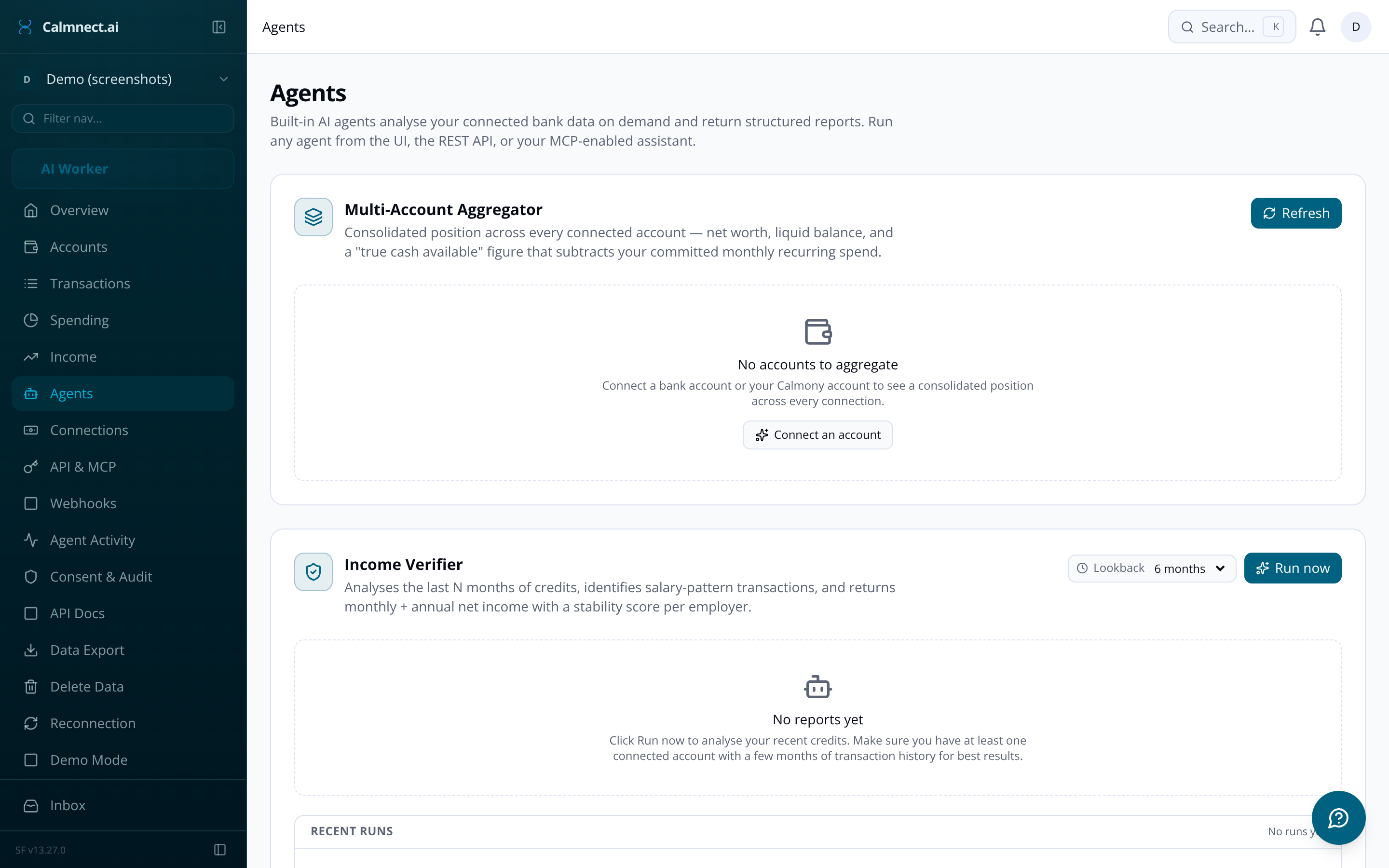
Income Verifier Identifies salary-pattern credits, computes monthly average, and returns a structured PDF report with employer name, frequency, and a stability score.
Affordability Scorer Takes a proposed monthly commitment (e.g. rent) and returns a 0–100 affordability score, disposable income, and debt-to-income ratio. Built for PropTech.
Multi-Account Aggregator Combines all connected banks and your Calmony account into a single net position — liquid balance, pending exclusions, and a 'true cash available' figure.
Recurring Payment Detector Clusters transactions by merchant, amount band, and cadence to surface subscriptions and standing orders with a confidence score and next expected date.
Spend Categoriser Assigns a category to every new transaction using merchant name and description context. Runs automatically on every sync batch — no manual tagging.
You stay in control — revoke, export, or delete at any time
Every data access is logged. Every consent scope is visible. The Technical Dashboard shows which agent, API key, or MCP client read your data — and when.
Revoke any connection instantly One click withdraws consent, stops sync, and removes stored tokens. TrueLayer and Calmony are notified immediately.
Audit log — by agent, key, or MCP client Every read is recorded: who accessed it, which endpoint, how many records were returned, and at what timestamp.
GDPR Article 20 data export Download a zip of your transactions, balances, agent runs, and consents — JSON, Excel workbook, and a PDF summary.
Full GDPR Article 17 erasure Trigger deletion from Settings. A Temporal workflow revokes all consents, erases all stored data, and sends a confirmation email.
90-day reconnection reminders PSD2 requires re-authorisation every 90 days. Calmnect.ai sends in-app and email reminders at T-14, T-7, and T-1 with a one-tap re-auth link.
Period-to-period income — the view your spreadsheet never had
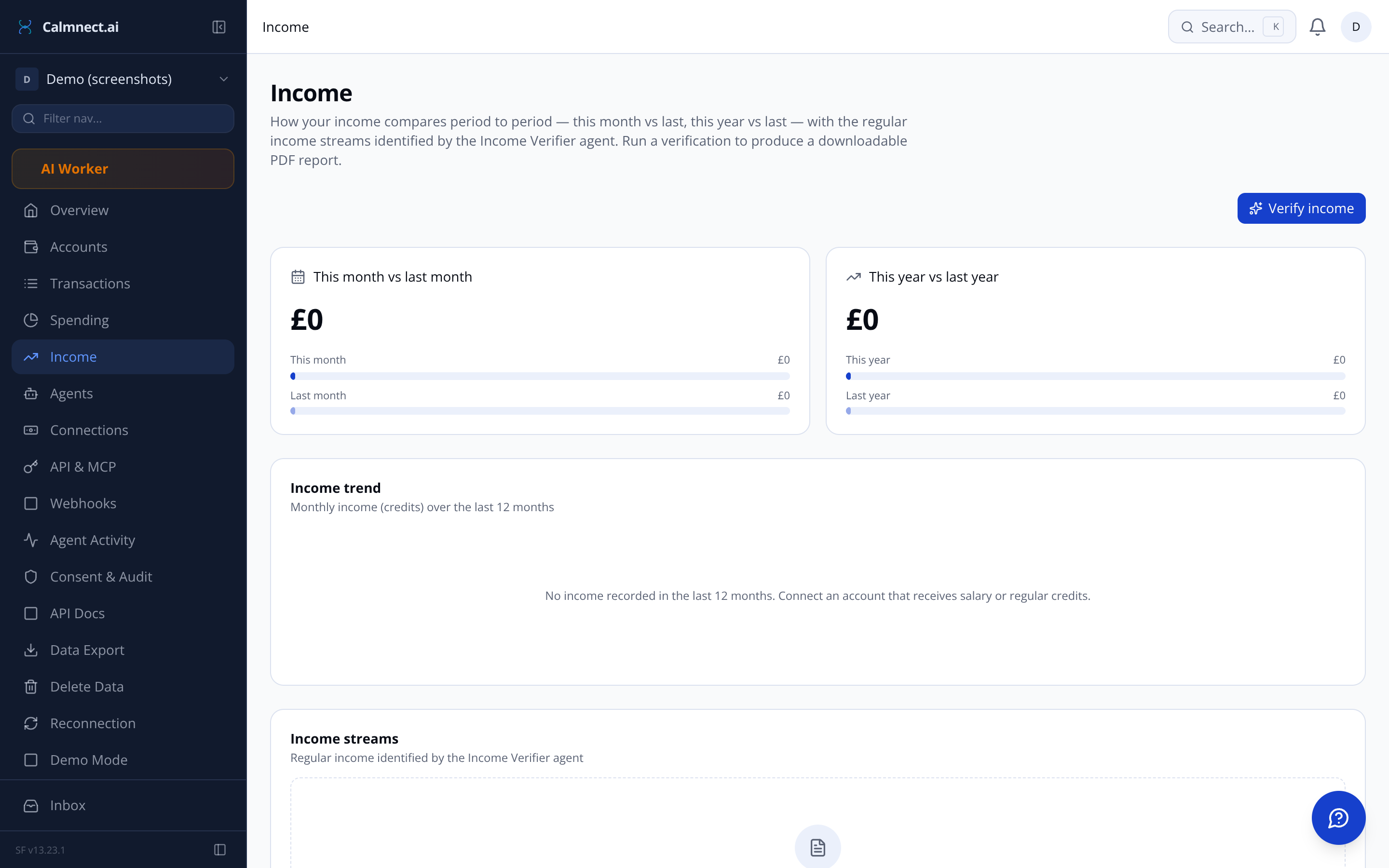
The income page pulls from the Income Verifier agent to show identified salary streams alongside all regular credits — with monthly averages, trend arrows, and a period-to-period bar chart.
Need a formal income verification? Hit 'Verify income' to trigger an on-demand agent run and download a structured PDF report — ready for landlord, lender, or personal record.
This month vs last month, this year vs last year
Employer name, payment frequency, and stability score
Downloadable PDF income report on demand
Accessible via REST API and MCP tools
Read-only. FCA-authorised. No payments, ever.
Calmnect.ai operates as an agent of TrueLayer, an FCA-authorised Account Information Service Provider (AISP). Consent scope and revocation are shown at connection and in Settings. 90-day PSD2 SCA reconnection applies. Payments are not enabled.
Common questions about the flow
Your bank data. Your AI. Ready when you are.
Connect your first bank account in under two minutes. Explore the dashboards and agents with demo data before linking anything real.
Questions? Email us at sf-core-org-support-calmnect-ai@saas-factory.ai